
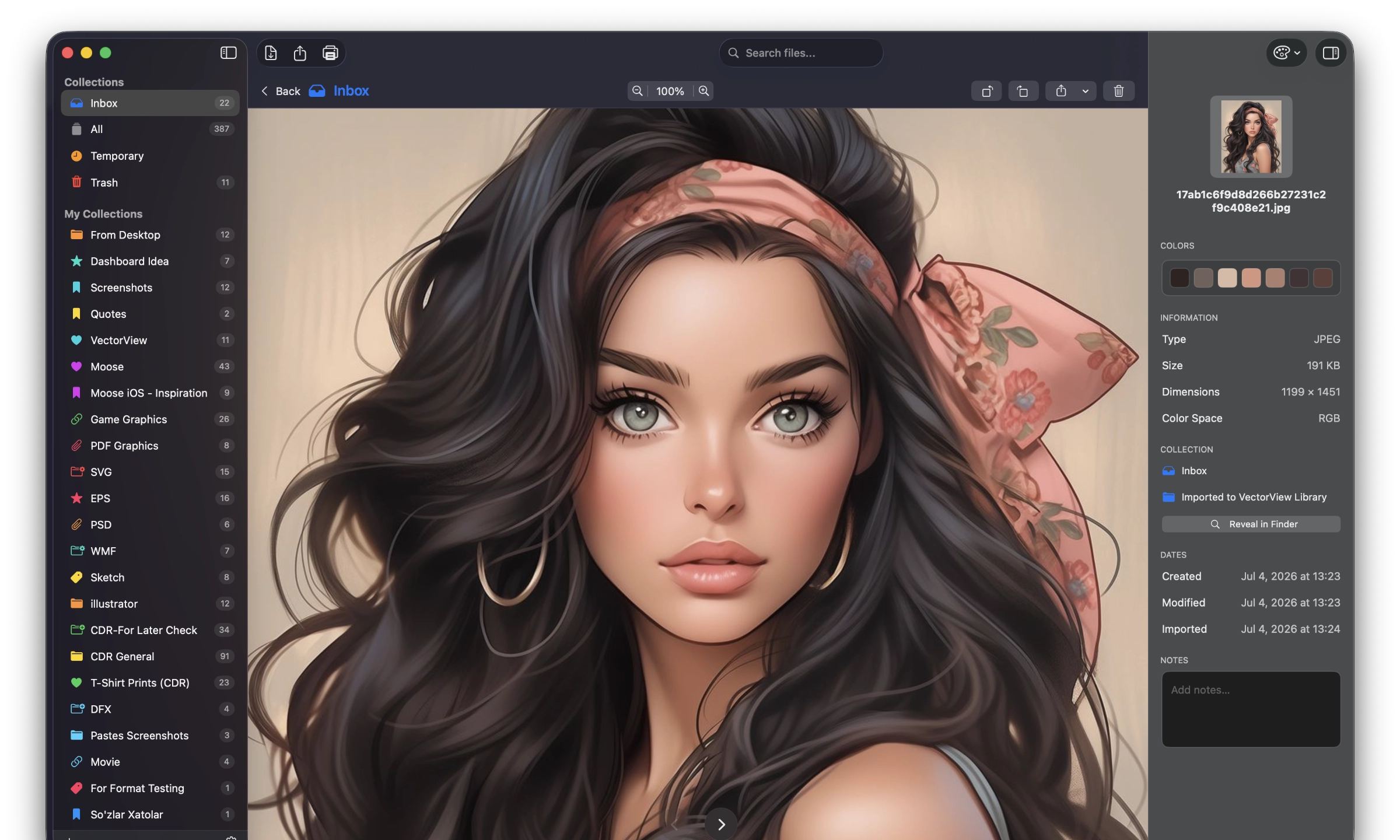

The Professional Graphic File Manager for Mac
PERFECT FOR:
• Graphic Designers managing client files
• Print shops receiving various file formats
• Anyone who needs to open CDR, PostScript, DXF, PSD files on Mac
• Design teams organizing asset libraries
Simple and useful productive tool for designers. If you have any ideas or features, feel free to drop a message regarding your opinions by using our contact us page.
It is easy to share and distribute EPS, PS (PostScript), Ai, CDR, CMX (CorelDRAW) and PSD, TIFF, PDF files to your team members, partners and customers.
Support for CDR, EPS, Al, PSD, SVG, WMF, PDF, Visio, RAW & More Professional Formats
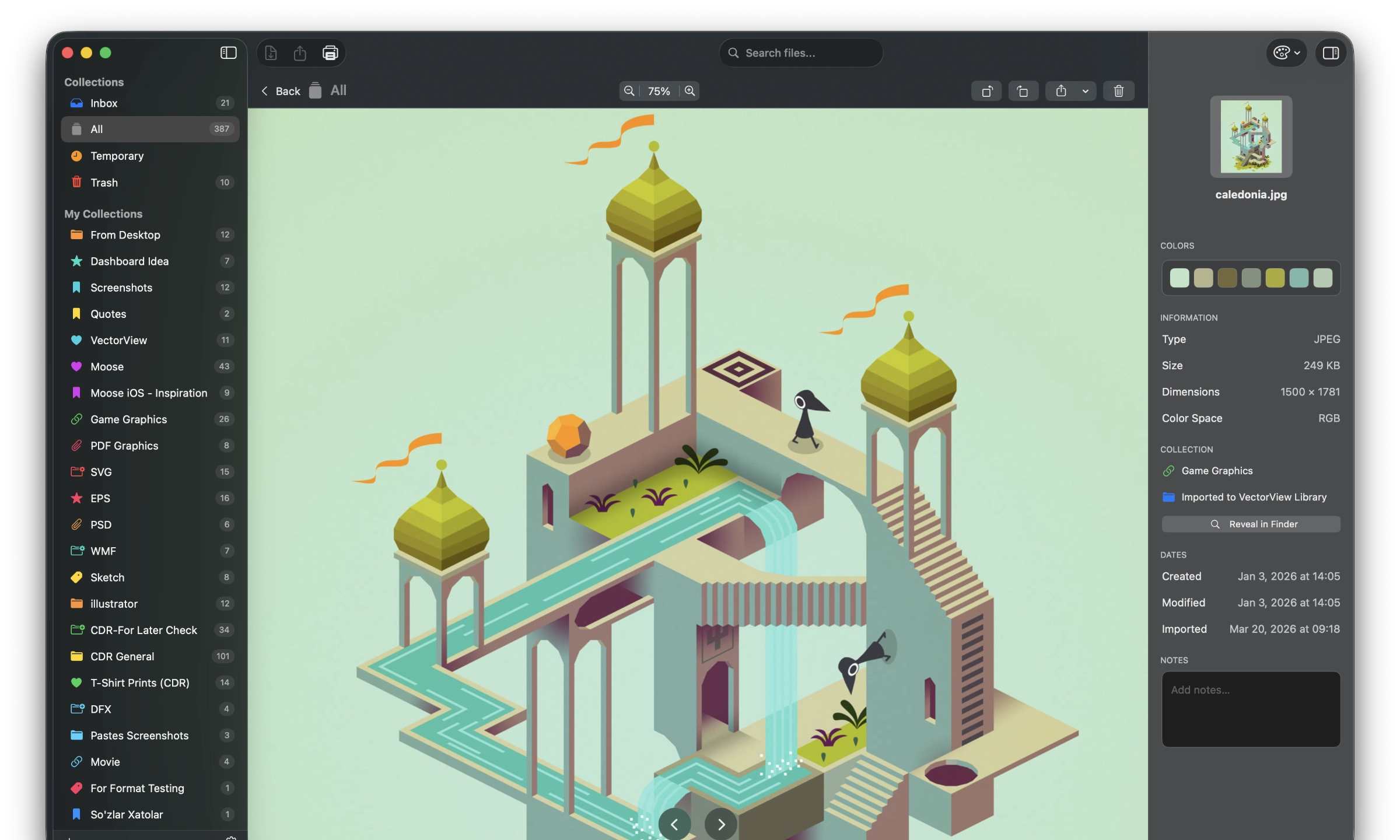
Supported file formats
With VectorView you can open following graphic and document formats
Vector Formats
CorelDRAW Documents – CDR, CMX
MIcrosoft Visio Documents – VSD, VSS, VSDX, VSSX
Microsoft Publisher – PUB
PDF Document – PDF
PostScript Document – PS, EPS, EPSF, EPSI
Adobe Illustrator Document – AI
WordPerfect Graphic – WPG
AutoCAD Drawings – DWG, DXF
Windows Metafile – WMF, EMF, EMZ
Scalable Vector Graphic – SVG, SVGZ
Raster Formats
PSD
PNG
JPG, JPEG
GIF
TIFF, TIF
BMP
ICO, ICNS
WEBP
Camera Formats
Adobe Digital – DNG
Hasselblad RAW – 3RF
Sony RAW – ARW, SR2
Canon RAW – CRW, CR2
Epson RAW – ERF
Minolta RAW – MRW
Nikon RAW – NRW, NEF
Olympus RAW – ORF
Pentax RAW – PEF
Fuji RAW – RAF
RAW Image – RAW
Panasonic RAW – RW2
Samsung RAW – SRW
Sigma RAW – X3F
Professional output for print and collaboration
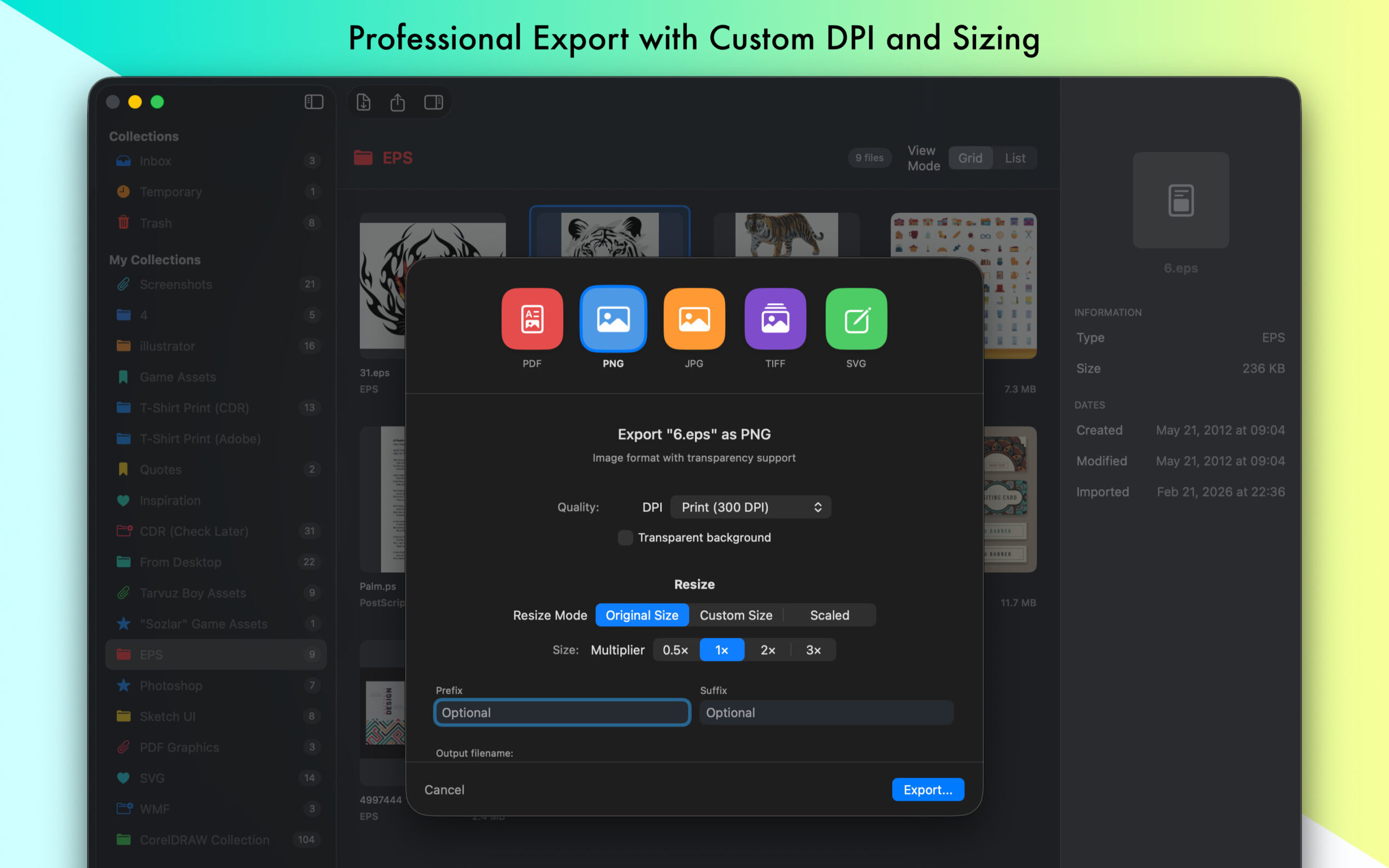
Share your designs, Export to Vector and Bitmap formats.
PDF, SVG, TIFF, PNG, JPG
Free & Pro
Free
Start Free
-
3 collections -
Limited vector previews -
Unlimited raster previews -
Limited export
Pro
Upgrade to Pro whenever you need more
-
Unlimited collections -
Unlimited previews -
Full export - high DPI & batch -
Priority support
Questions? We have answers.
General
What is VectorView?
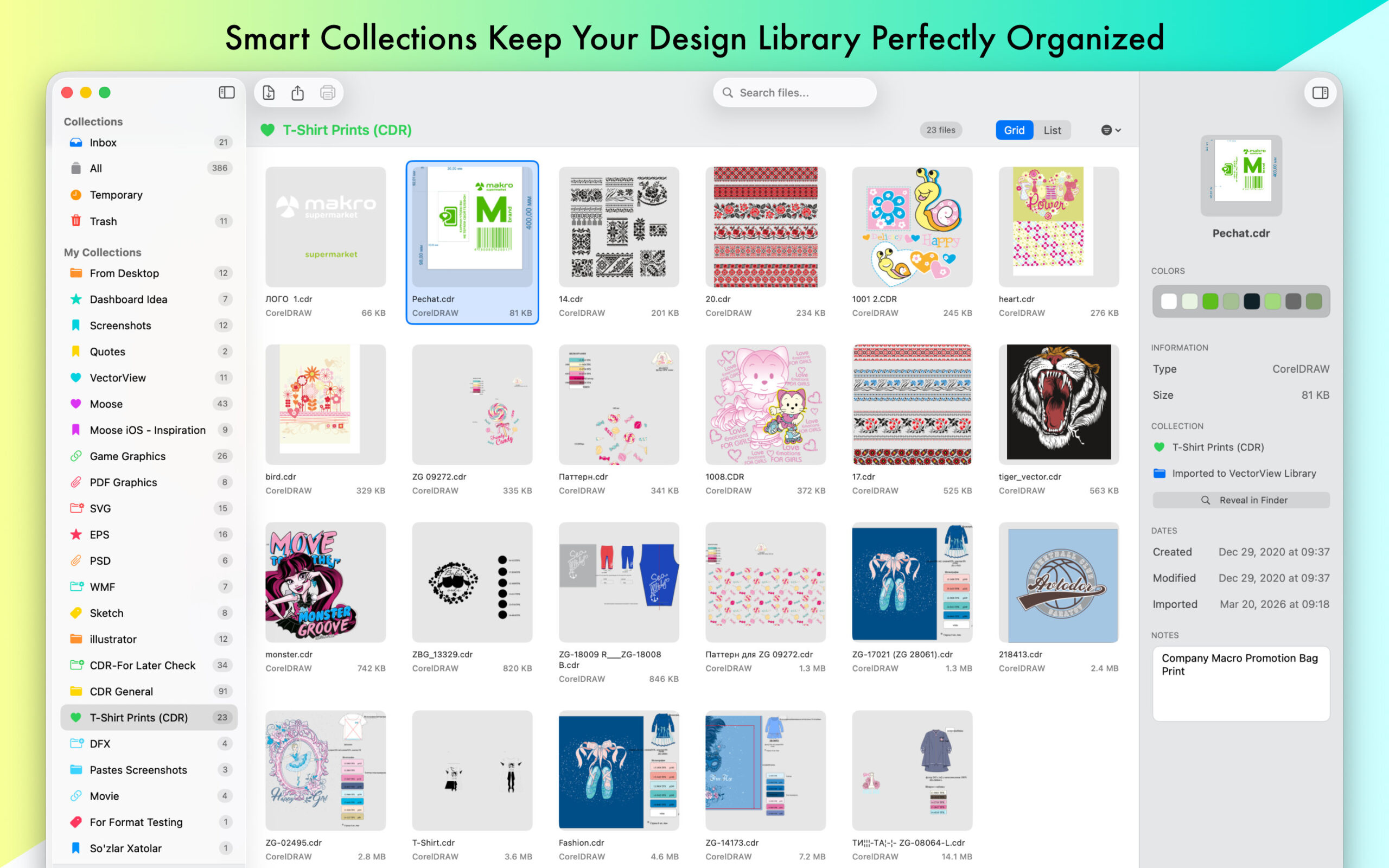
A macOS library app for keeping your vector files in one place — import them, see thumbnail previews, browse, and open or export them. Think of it as a gallery/database for vector artwork, rather than a single-file viewer.
How is it different from EPSViewer Pro and CDRViewer?
Those two are focused single-file viewers (EPS/AI/PDF, and CDR respectively). VectorView is about managing many files of many types together — previews, organization, and export from one window.
Is it an editor?
No — it’s for organizing, viewing, and exporting, not editing the artwork.
Formats & compatibility
Which formats does VectorView handle?
A wide range of vector formats — including CDR, CMX, EPS, PS, SVG, PDF, AI, WMF, and DXF, among others. You can check here all supported file formats.
Do I need any other software installed?
No — VectorView renders the supported formats itself.
Features
Does it show thumbnail previews?
Yes — files display as visual thumbnails so you can recognize artwork at a glance, with previews generated efficiently as you browse.
Can I export files to other formats?
Yes — including multi-page documents, with size and resolution options.
Does it open multi-page documents?
Yes, with page-aware previews and export.
What languages does VectorView support?
English, Dutch, French, German, Polish, Portuguese, Russian, Simplified Chinese, Spanish, Turkish
How do I change the language in VectorView?
VectorView automatically uses your Mac’s system language. If you’d like to use it in a different language — you can change in in Setting Window.
Free vs Pro
Is VectorView free to use?
VectorView is free to download.
If I purchase VectorView, can I use it on multiple computers?
Yes. Purchases are made through the Mac App Store and tied to your Apple ID, so you can use VectorView on any Mac signed in with that same Apple ID.
I'm having trouble restoring my purchases.
First, make sure you’re signed in to the Mac App Store with the same Apple ID you used to buy. If Restore Purchases still doesn’t work, see our step-by-step guide: Guide Link.
Privacy
Where are my files and library stored?
Everything stays on your Mac; VectorView works locally and doesn’t upload your files.
Troubleshooting
A thumbnail is missing or blank.
Some files take a moment to generate a preview, and a malformed file may not produce one. Re-importing or opening the file directly usually resolves it. Or Try “Repair Library” in Settings Window.
The library feels slow with many files.
Previews are generated lazily to keep browsing smooth; very large libraries may take a little longer on first load while thumbnails are built.
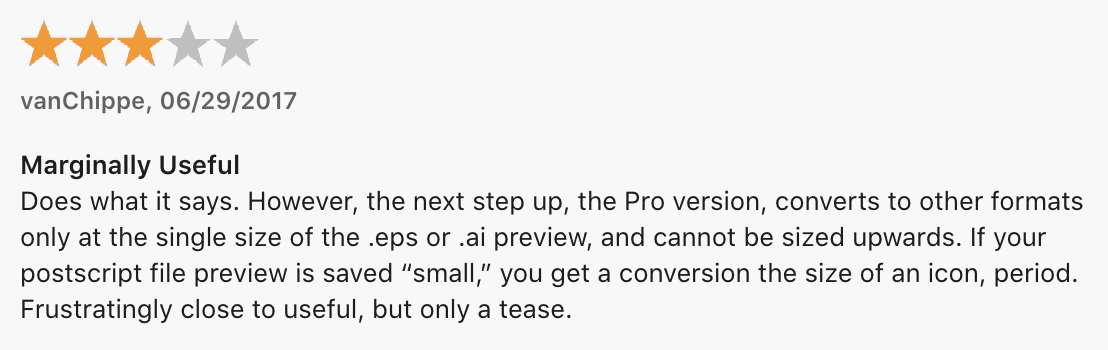
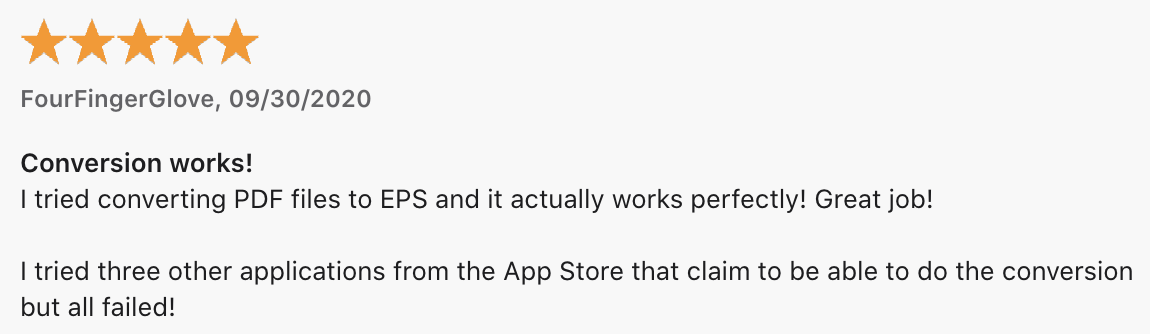
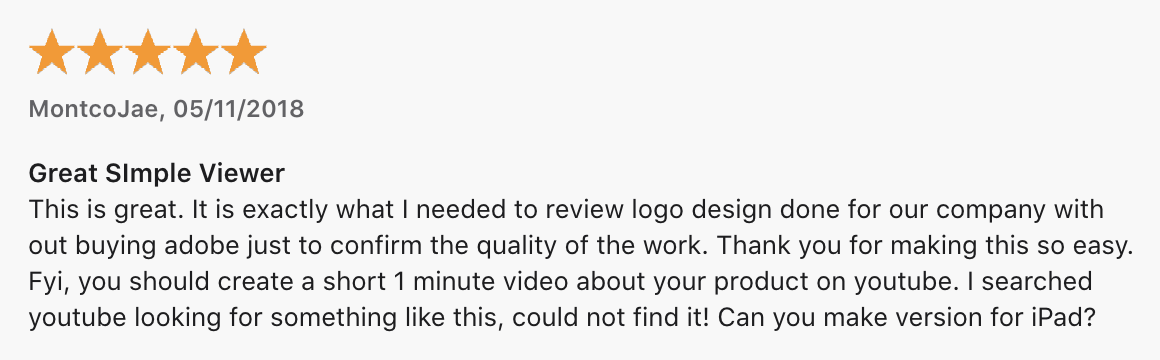
What users say about VectorView
Available on the Mac App Store
We provide educational licences for qualified students and independent content creators. Contact us.