
Open and preview any CorelDRAW® drawing in CDR, CMX file formats. Navigate multi-page files, view Shapes, Texts, Bitmap Graphics.
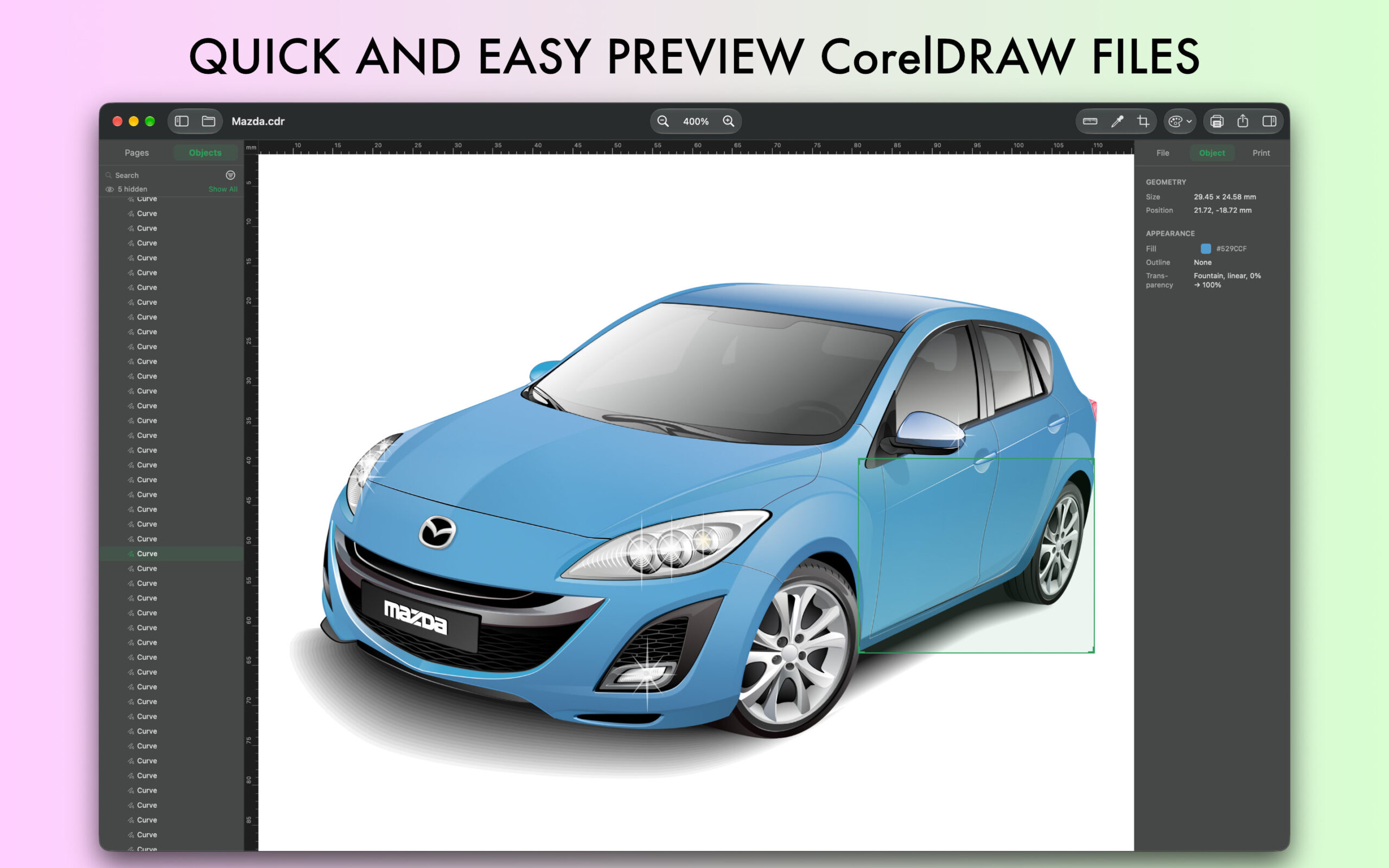

Open and export CorelDRAW files on Mac, send to friends. Download CDRViewer for Mac. It’s free!
CDRViewer is an extremely useful tool for teams that need to open CorelDRAW documents on a modern platform. The application makes it easy to display CorelDRAW® drawings on your Mac.
View CorelDRAW® drawings on Mac
Zoom CorelDRAW® files on your Mac
You can zoom to over 100000%. See details before exporting. Zoom In(=), Zoom Out(-), Zoom to Fit(0).
Save opened files in .pdf, .svg, .eps (vector editable)
Save opened files in .pdf, .png, .jpg, .tiff and .svg you can easily open saved files in any Vector or Graphic editing Software. Send your files in PDF via e-mail or print them using the menu bar.
CorelDRAW file format
CDR, CDRT and CMX file format stands for CorelDRAW and this extension is proprietary format used by CorelDRAW software. CDR format is not recognized by other image editing programs and to save to other image formats it needs to be opened in CorelDRAW and then exported in other format. This can be done only on Windows. With CDRViewer there is no need to another operating system and another machine or another software to display and save CDR file formats.

CDRViewer runs on your macOS.
CDRViewer can export to PDF, JPG, PNG, TIFF, DXF, EPS and SVG.
Fast file loading and zooming function.
Multi-Page Support.
Extract Embedded Images and Colors.
Navigate Layers and Objects.
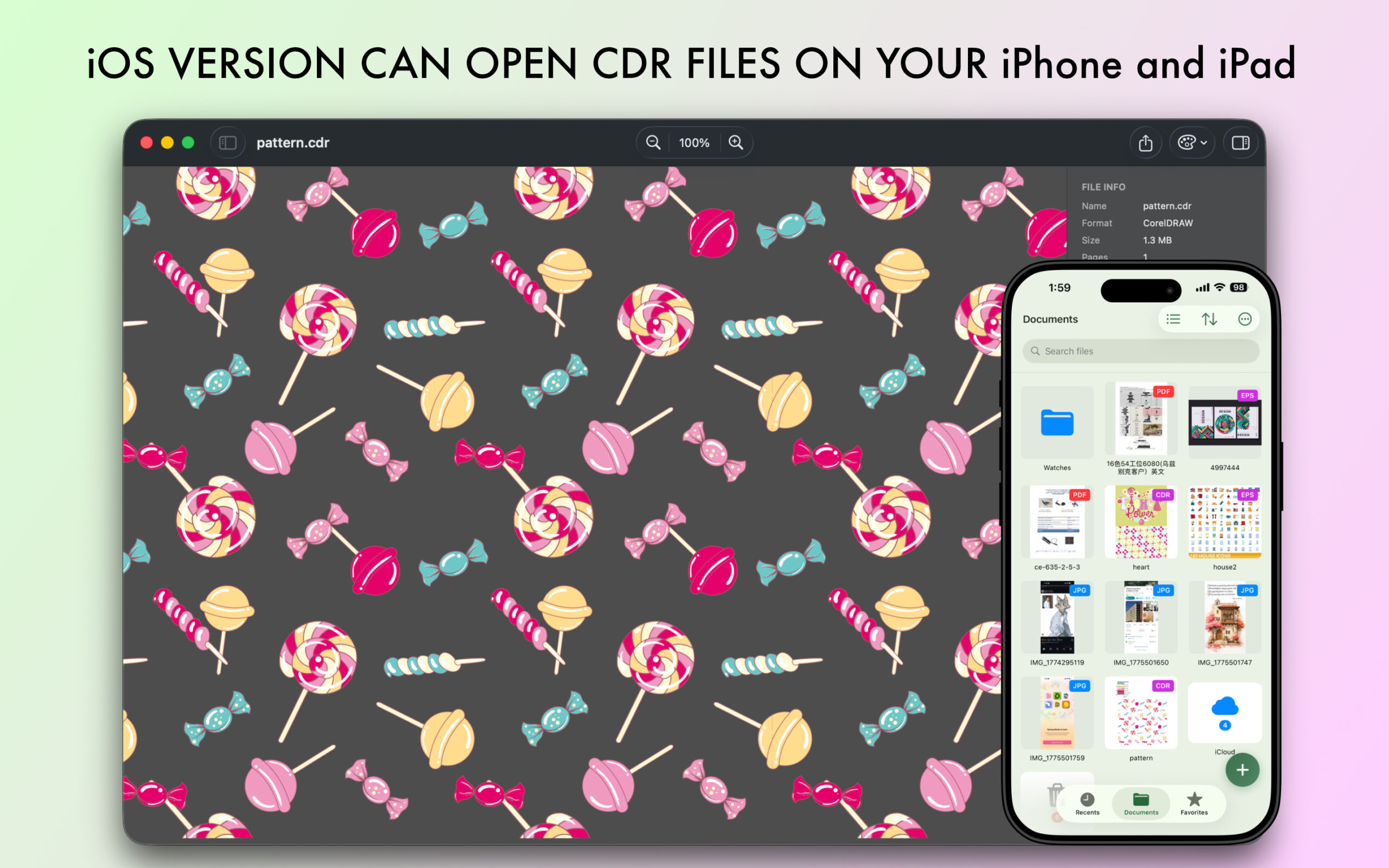
Do you want to Open CorelDRAW files on your iPhone?
-
Save Document to PDF, PNG, JPG, TIFF, SVG, DXF, EPS format
-
Send Document as PDF file via e-mail
-
Print Document easily
-
Standalone software, CorelDraw, Adobe Acrobat and Reader NOT required!
Simple and useful productive tool for designers. If you have any ideas or features, feel free to drop a message regarding your opinions by using our contact us page.
It`s easy to share and distribute CorelDRAW® files to your team members, partners and customers.
CDRViewer fluently speaks

Questions? We have answers.
General
What is CDRViewer?
A native macOS app for opening and viewing CorelDRAW .cdr, .cdrt and Corel .cmx files without installing CorelDRAW.
Is it an editor?
No — it’s a viewer with export. You can view, browse pages, export, and print, but not edit the original drawing.
Formats & compatibility
Which files can it open?
CorelDRAW CDR, CorelDRAW Template CDRT and Corel CMX files.
Do I need CorelDRAW installed?
No. CDRViewer opens the files on its own.
Which CorelDRAW versions are supported?
It supports a broad range of CDR versions. Because CorelDRAW’s format has changed a lot over the years, a very old or very new file may occasionally render imperfectly.
Does it open EPS, AI, or PDF files?
No — for those, use EPSViewer. CDRViewer is dedicated to CorelDRAW formats.
Features
Can I view multi-page CDR files?
Yes, with a page sidebar to move between pages, plus zoom, fit, and navigation.
What can I export to?
(Pro) PNG, JPG, PDF, SVG, DXF, EPS and TIFF, with size, resolution, and quality options.
Why does CDRViewer convert to vectors instead of a flat image?
It renders the drawing through a vector pipeline so it stays sharp at any zoom and exports cleanly.
What languages does CDRViewer support?
English, Dutch, French, German, Italian, Japanese, Korean, Polish, Portuguese, Russian, Simplified Chinese, Spanish, Turkish
How do I change the language in CDRViewer?
CDRViewer automatically uses your Mac’s system language. If you’d like to use it in a different language — system-wide or just for this app — follow Apple’s guide: https://support.apple.com/guide/mac-help/change-the-system-language-mh26684/mac
Free vs Pro
Is CDRViewer free to use?
Yes — CDRViewer is free to download and lets you open a few files per day at no cost. Larger files, unlimited opening, export, and printing are unlocked with Pro.
If I purchase CDRViewer, can I use it on multiple computers?
Yes. Purchases go through the Mac App Store and are tied to your Apple ID, so you can use CDRViewer on any Mac signed in with that same Apple ID — and through Family Sharing where enabled.
What's free?
You can open a few files per day on the free tier, with a file-size limit; the app shows your remaining count.
What does Pro add?
Unlimited opening, larger files, export, and printing. Pricing is shown in the app and on the App Store.
Is my license shared with the other apps?
Each app has its own purchase.
I'm having trouble restoring my purchases.
First, make sure you’re signed in to the Mac App Store with the same Apple ID you used to buy. If Restore Purchases still doesn’t work, see our step-by-step guide: Guide Link.
Privacy
Are my files sent to a server?
No — CDRViewer renders everything locally on your Mac.
Troubleshooting
My CDR file looks wrong or won't open.
Confirm it’s a genuine .cdr/.cmx /.cdrfile and not corrupted. Files saved by unusual versions or third-party tools can occasionally render incorrectly; exporting a PDF or CMX from CorelDRAW and opening that often helps.
Fonts look different than in CorelDRAW.
If a document uses fonts that aren’t installed on your Mac, the renderer substitutes the closest available font. Installing the original fonts resolves it.
Other
Why a separate app just for CorelDRAW?
CorelDRAW’s format is complex and distinct from PostScript/PDF, so a dedicated, focused app gives the most reliable results — and keeps the viewer simple.
Do you offer academic discounts for students?
Yes. 50% academic discount. Email support@blue-tail.com from your .edu address.